HOVER

Taking longer than usual — check your network connection.

HoverHover
LibraryBlogPricing
Sign inDownload

Hover

Ambient audio, live wallpapers, cursor effects, and desktop widgets — all from your menu bar.

Learn moreDownload

Requires macOS 15 Sequoia · Apple Silicon & Intel

Features

Everything, from your menu bar.

Hover

Ambient audio, redefined.

Import any audio or video file and play it on loop. Smart Loop finds a perfect seamless jump point so it never feels repetitive.

It's time to stop looking bland.

It's time for a space that feels like yours.

Download

Smarter than you'd expect.

Smart Loop

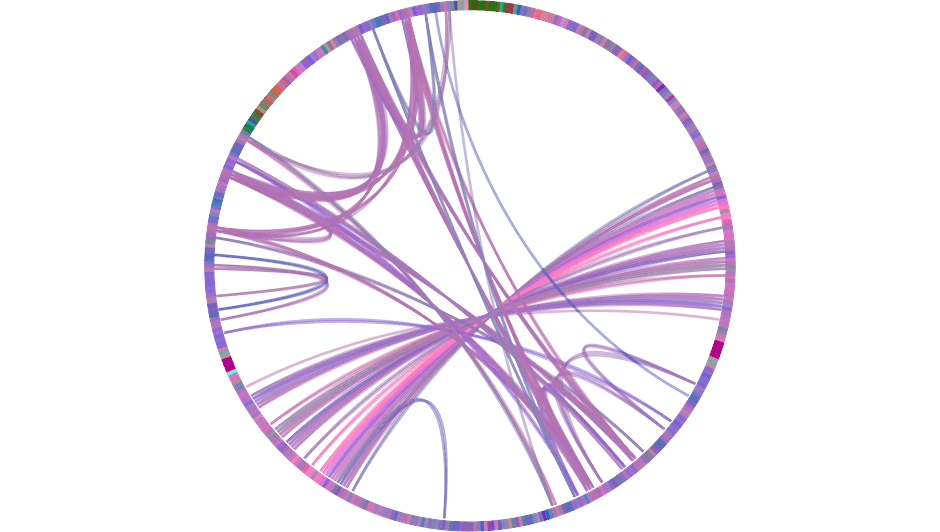
Hover analyses your audio and finds the optimal loop point where the waveform signature matches — so the jump back is completely seamless. No clicks. No fade. Just continuous atmosphere.
Smart Loop
Smart Transition

Hover finds the perfect crossfade point between two tracks by aligning their beat grids and matching energy levels — so the transition feels intentional, not accidental. Tempo, volume, and spectral content are all considered.

NOW PLAYING
CROSSFADING
UP NEXT
Beats aligned · volume matched · seamless blend

And more

What else can Hover do?

Cursor sharing

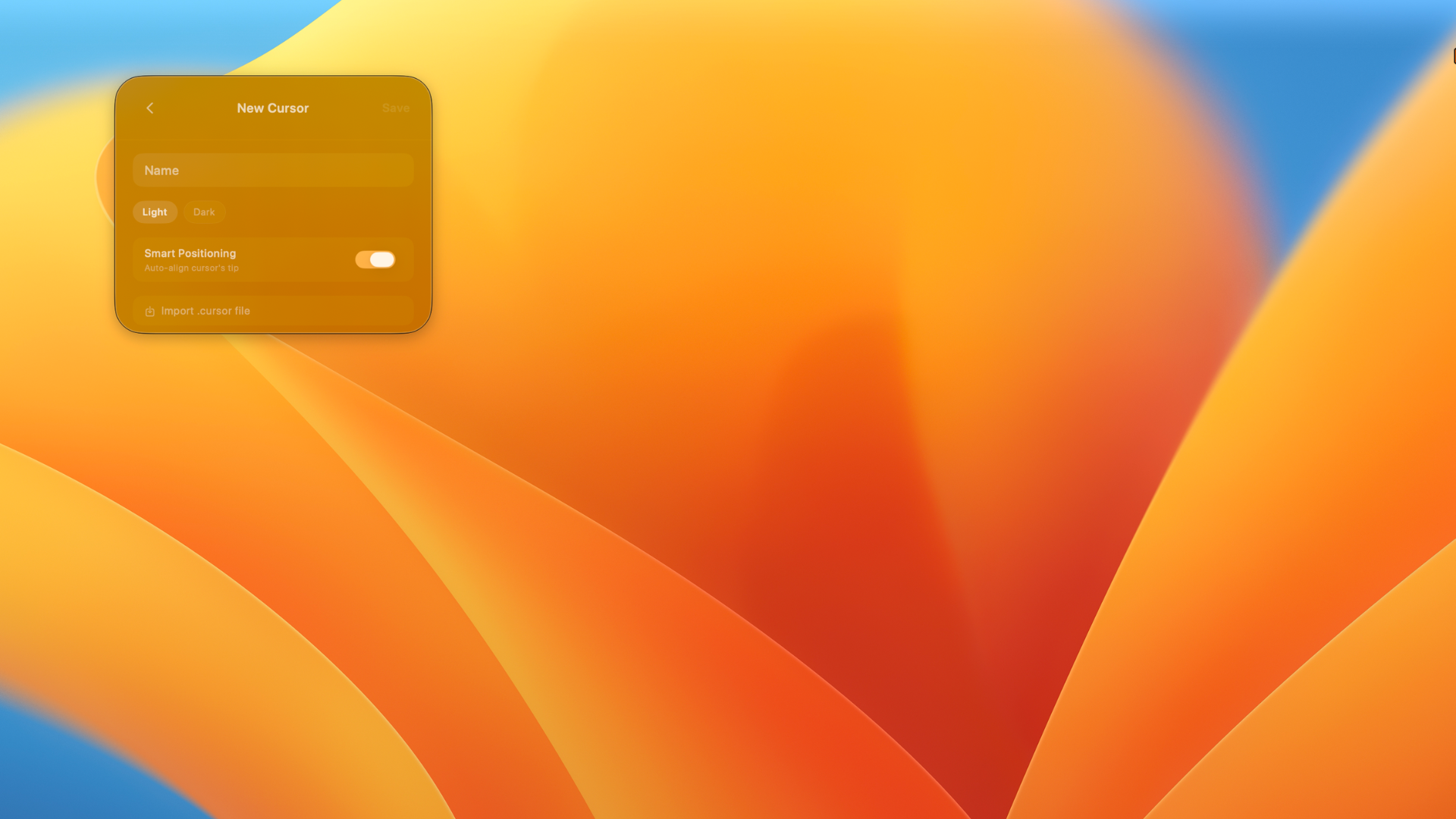
Create a cursor skin and share it with anyone as a single file.

App profiles
Upload to Hover
Live updates
Your data, yours
Hover on Mac

Stay in the loop.

Join the community and follow along for what’s coming next.

X
@hov3rapp

Real-time updates, release announcements, and thoughts from the team.

Follow on X
Reddit
r/hov3rapp

Share your setup, get help, and vote on what we build next.

Join community
TikTok
@hov3rapp

Quick demos, satisfying setups, and Hover in the wild.

Follow on TikTok

Check out our blog for guides, updates, and deep-dives.
Watch Hover in action on YouTube.

Blog →YouTube →

Your atmosphere awaits.

Start your 7-day free trial today.

Learn moreDownload free

macOS 14+ · Apple Silicon